F5 Workforce AI security > Class 1 - F5 Workforce AI security - READ ONLY > Client side - Send the prompts Source |
Connect to the Client and discover the tools
The Windows 11 machine has several tools already installed and configured
- Google Chrome
- Claude Desktop
- A MCP Server
Login to win 11 RDP
- login :
user - password :
user
Note
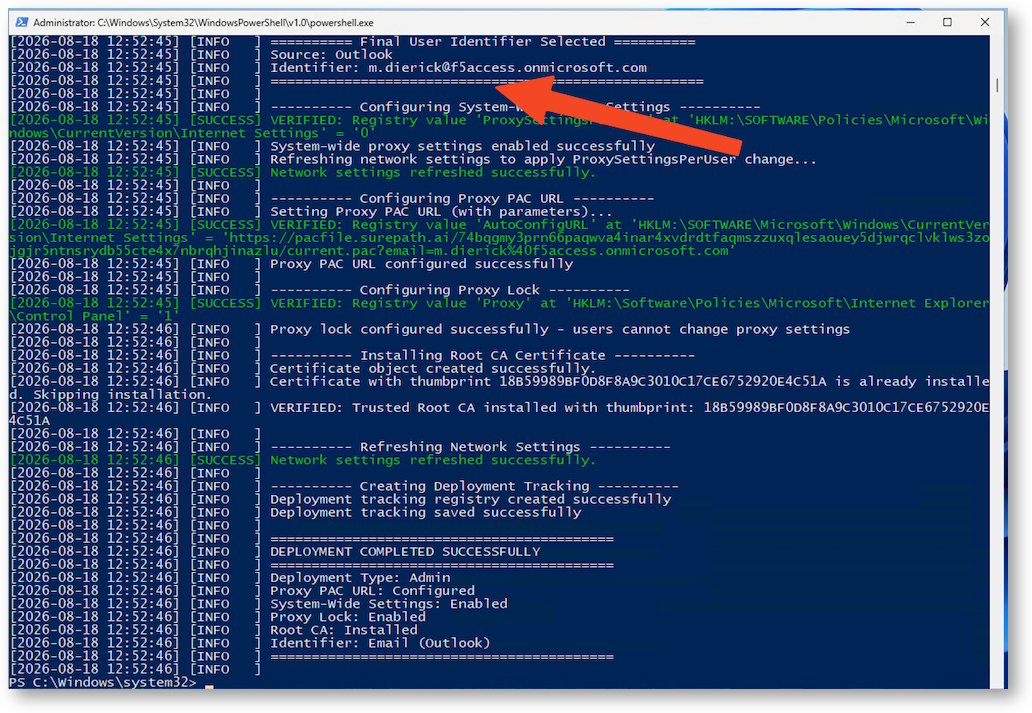
A powershell script automatically runs on the first login to install and configure the Proxy settigns (PAC file, user authentication …).
You can notice a custom email address set just for your session.
Open Chrome
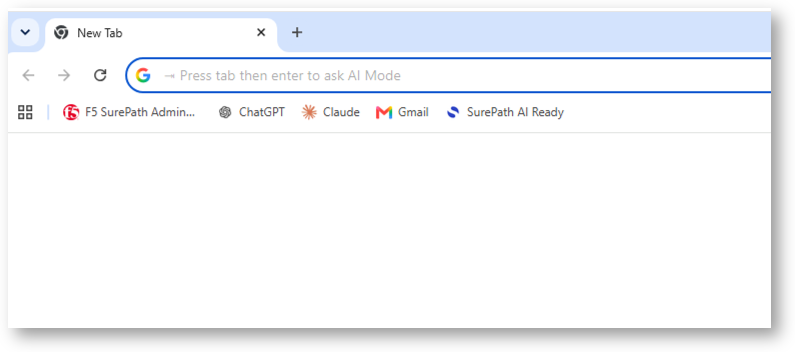
You can find several bookmarks
- F5 Workforce AI security READY - check demo status
- F5 Workforce AI security Admin Portal - READ ONLY access to the F5 Workforce AI security Portal
- ChatGPT, Claude and GMAIL
Note
SSO is enabled for all links, no need to enter any credentials.
Warning
Accounts to log-in in the services.
If ChatGPT or Claude are disconnected, select Google Auth and choose the account already saved in Chrome (fdemo2026@gmail.com)
If F5 Workforce AI security Admin Portal is disconnected, enter admin-ro@f5access.onmicrosoft.com, then SSO with Entra ID. No password required.