NGINX Modern Apps > Class 6 - NGINX API Management > Module 1 - Deploying an API for a modern app Source | Edit on
Architecture of the API Sentence app
Note
If you want, you can deploy this application in your own environment: https://github.com/fchmainy/nginx-aks-demo
First of all, before we delve into the lab, it is important to understand how the API Sentence app is split between micro-services.
This is what the API Sentence website Frontend looks like when all the necessary micro-services are up and running:
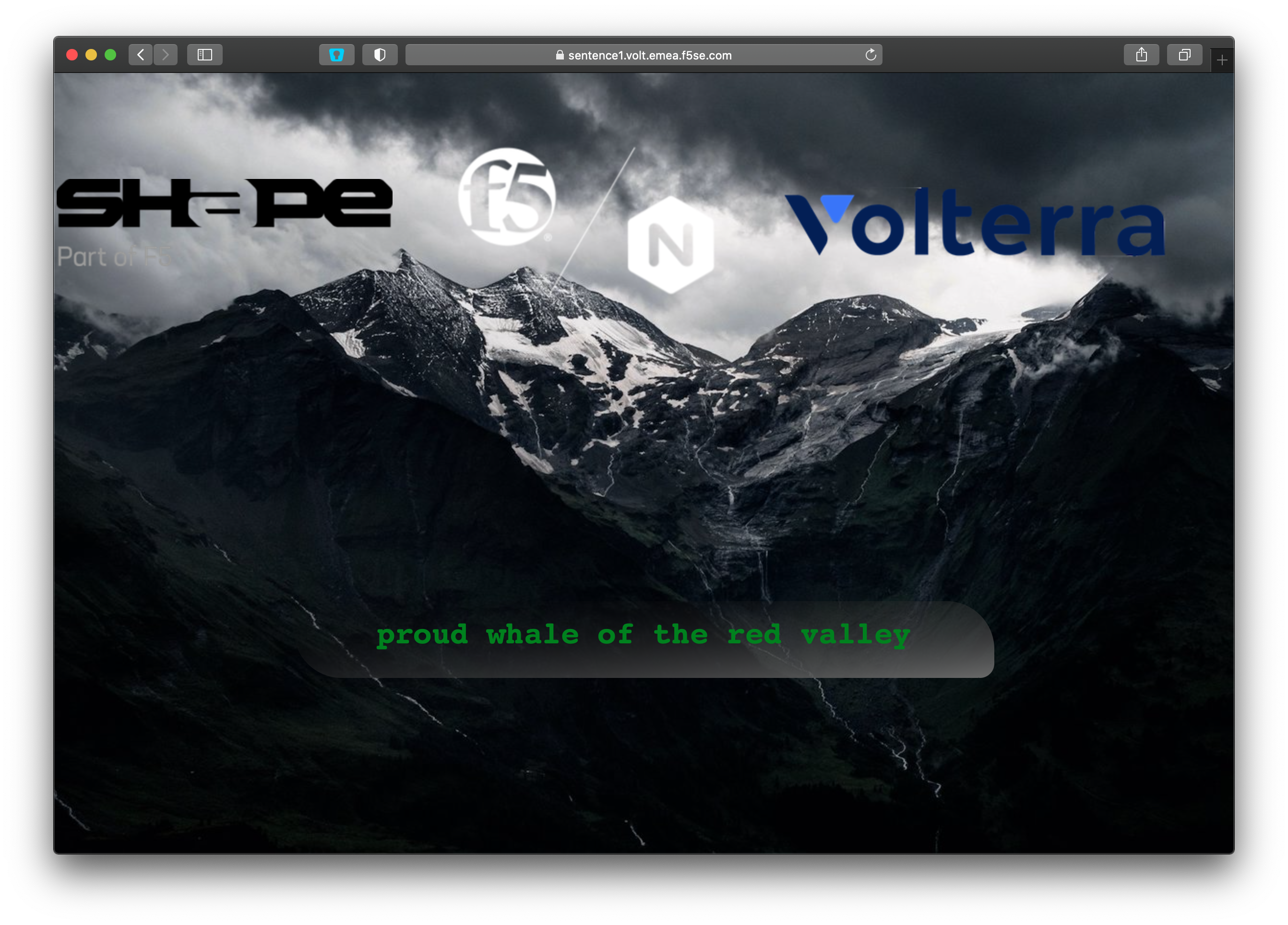
Behind the scenes, the Frontend app reaches a Generator micro-service. In turn, the Generator micro-service reaches four distinct Words micro-services. Each Words micro-service generates a distinct word (an adjective, an animal, a color and a location).
Each Words micro-service is a NodeJS API server. This means we can GET, POST, PATCH, and DELETE each respective Words micro-service.
The Frontend is just a web interface representing the outcomes of the APIs. This Frontend page has a background and logos on purpose in order to make it “heavy” for Volterra demonstrations.
And this is how the micro-services are meshed together
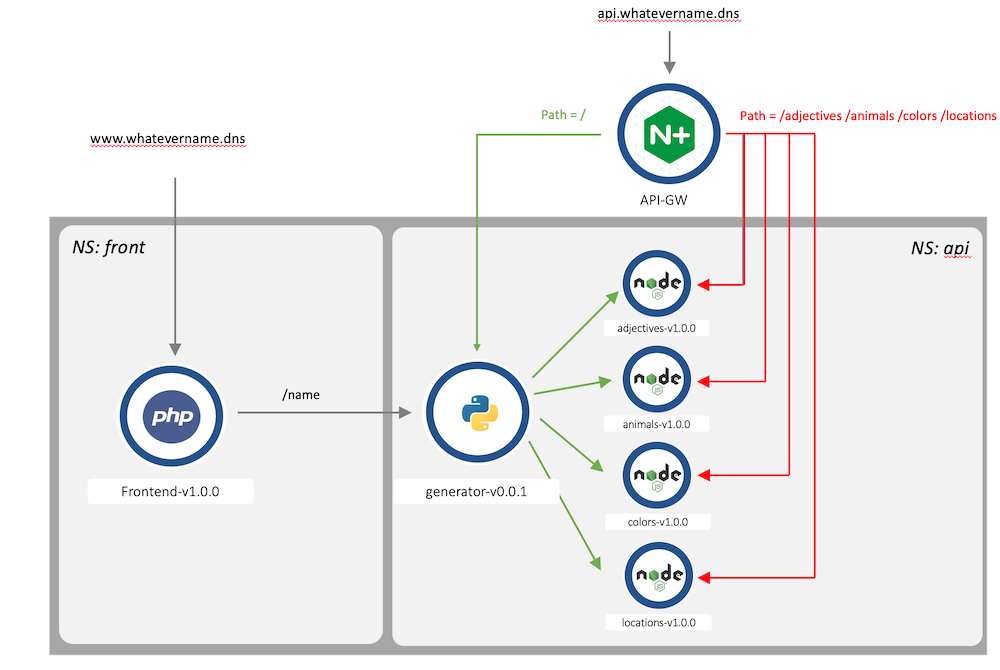
- We can request each endpoint separately:
- Frontend -> Displays the web interface with the generated sentence.
- Generator -> Responds with a JSON payload and 4 words (one for each
Wordsmicro-service). - Adjectives -> Responds with an adjective.
- Animals -> Responds with an animal.
- Colors -> Responds with a color.
- Locations -> Responds with a location.
A direct API call to a Words micro-service (like /animals) will provide a JSON response as below:
[
   {
      "id": 1,
      "name": "lion"
   },
   {
      "id": 2,
      "name": "whale"
   },
   {
      "id": 3,
      "name": "mouse"
   }
]
A direct API call to the Generator micro-service will provide a JSON response as below:
{
   "adjectives": "kind",
   "animals": "mouse",
   "colors": "black",
   "locations": "park"
}
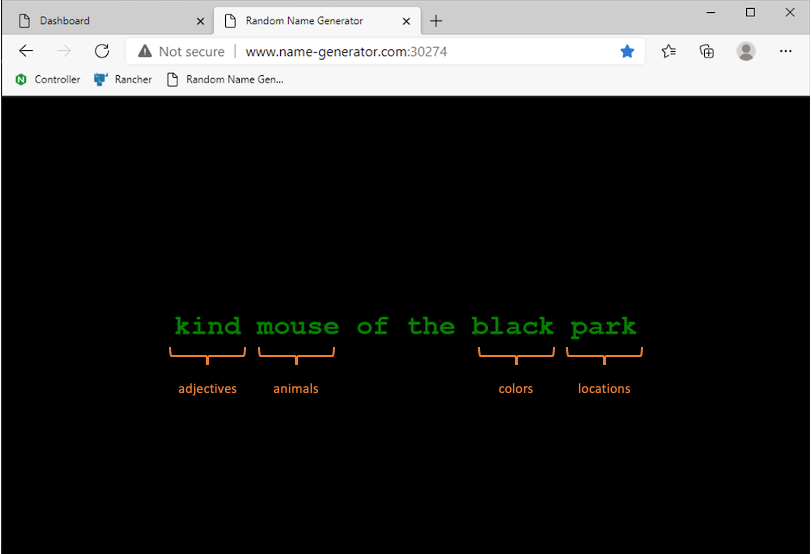
From the previous example, this is how the sentence is generated when the Generator micro-service requests the 4 words:
Note
In this lab, we will publish the Words micro-services through an NGINX API Gateway managed by NGINX Controller. Then, we will check the result through the Frontend web interface.