F5 Application Delivery Controller Solutions > TMOS - Performance Tuning > Intro: Working With The Lab Source | Edit on
UDF Blueprint Deployment
In order to begin you will need to go to F5's Unified Demo Framework (UDF) site and launch the appropriate course. The following will walk you through that process.
With Email From UDF
Check your email for a message from courses@notify.udf.f5.com. It will look something like this:
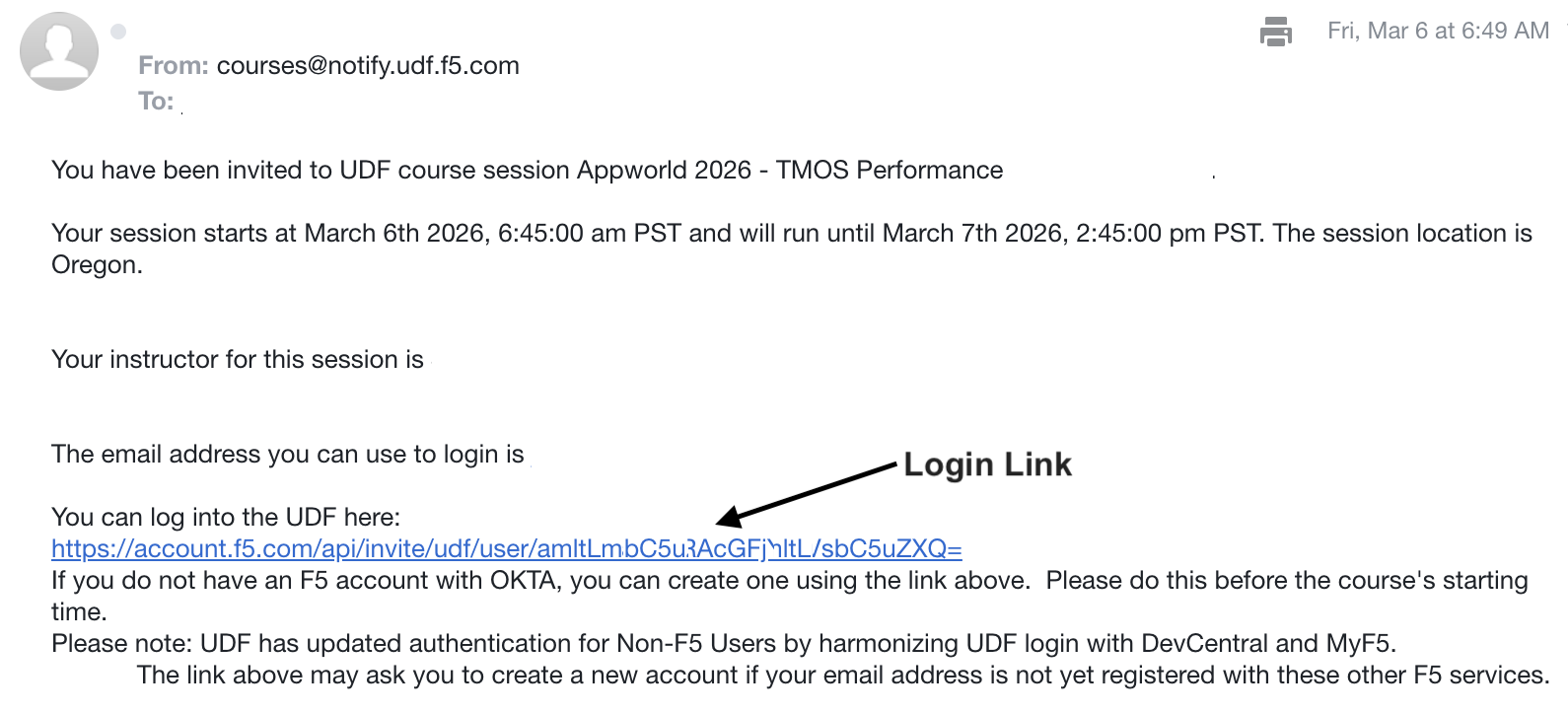
Click on the Login Link shown above with the arrow
Fill out required information to login or create a new account
Select 2nd Factor Authentication method if needed
Look for verification from authenticator method
Click verify
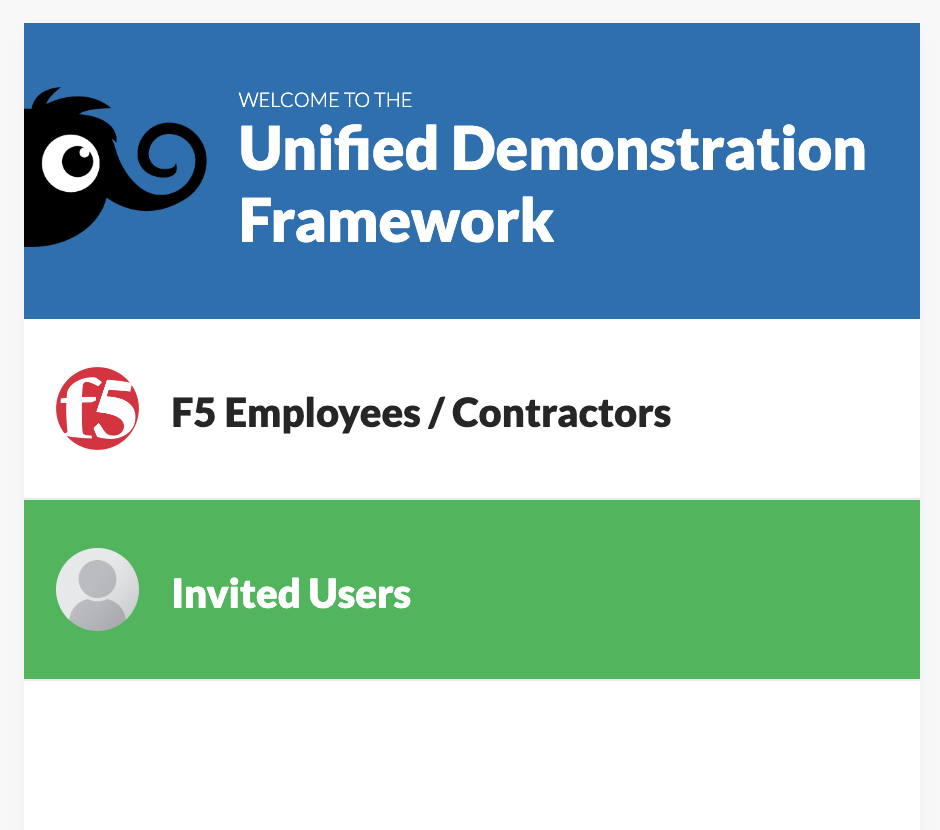
Click Invited-Users
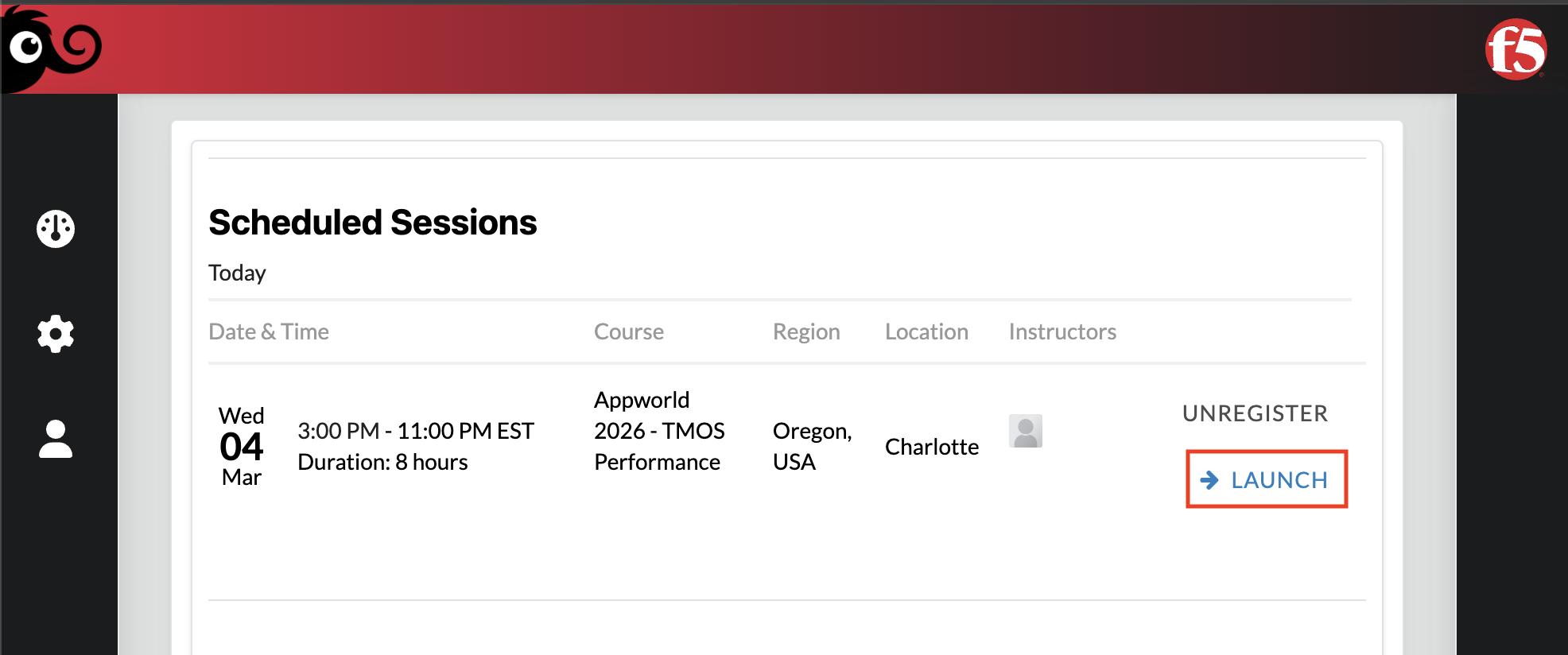
Look for the Scheduled Session for Appworld 2026 - TMOS Performance Tuning
Click Launch on the right side
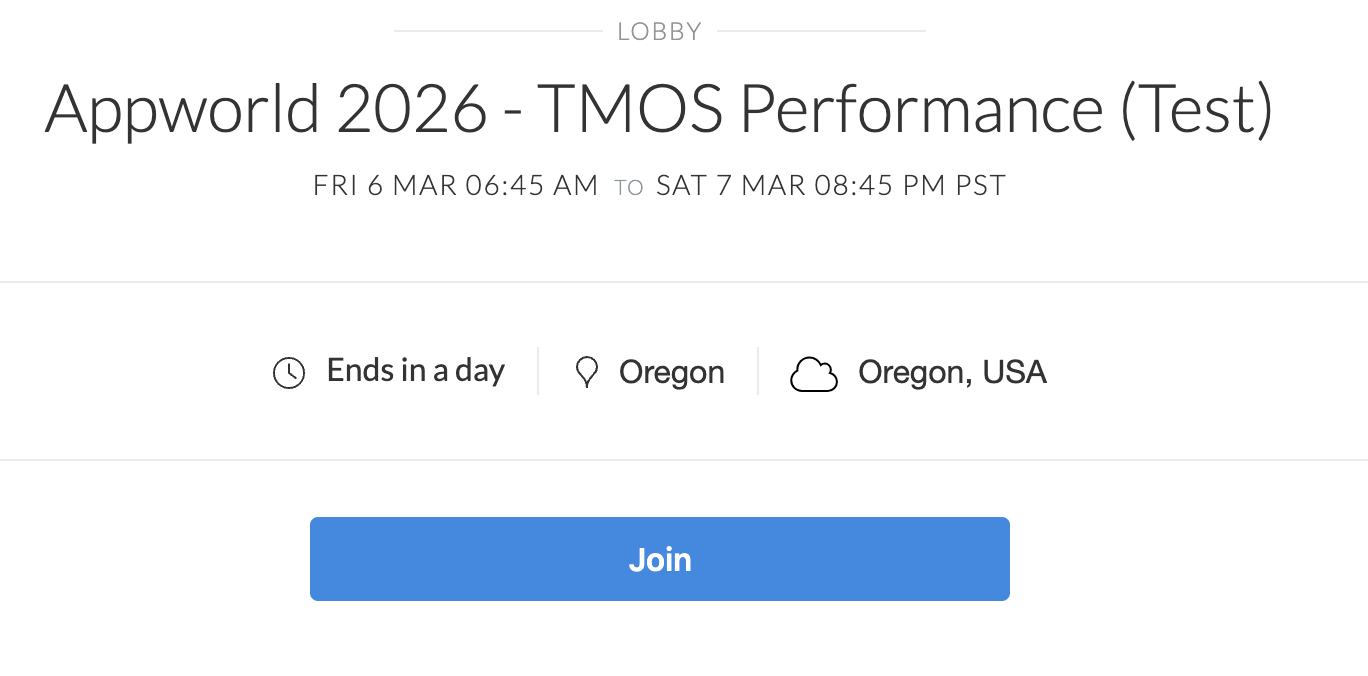
Click Join to start the course
Without Email From UDF
Open a web browser and head to the following link Unified Demo Framework.
Click on the Non-F5 Users selection.
Login with your existing F5 account or create a new account.
In the left navigation bar select Courses.
Search for "AppWorld 2026" in the search bar under the Content tab.
Select "AppWorld 2026 - TMOS Performance Tuning"
Select the Details button on the title screen.
Click the Details button on the blueprint in the lower right.
Select the Deploy option.
Select the Start option.
In the pop up window set the Autostop Duration to 4 hours.
Leave everything else default and click start.
The UDF deployment will take a few minutes to stand up. In the meantime, feel free to read through the next section about UDF Lab Components.