F5 BIG-IP SSL Orchestrator Training Lab > All SSL Orchestrator Lab Guides > SSLO 101: Introduction to SSL Visibility with SSL Orchestrator (AppWorld 2026 | 2 hours) > 4. Lab 2: Enable Selective Decryption and Inspection Source | Edit on
4.3. Test the Configuration
4.3.1. Connect to the Wireshark Service
From the Deployment tab in the UDF console, select ACCESS > WIRESHARK TAP for the Ubuntu-Server resource (Components > Ubuntu-Server > ACCESS > WIRESHARK TAP). This resource connects to a containerized version of Wireshark.
A new tab will open showing the Wireshark web interface.
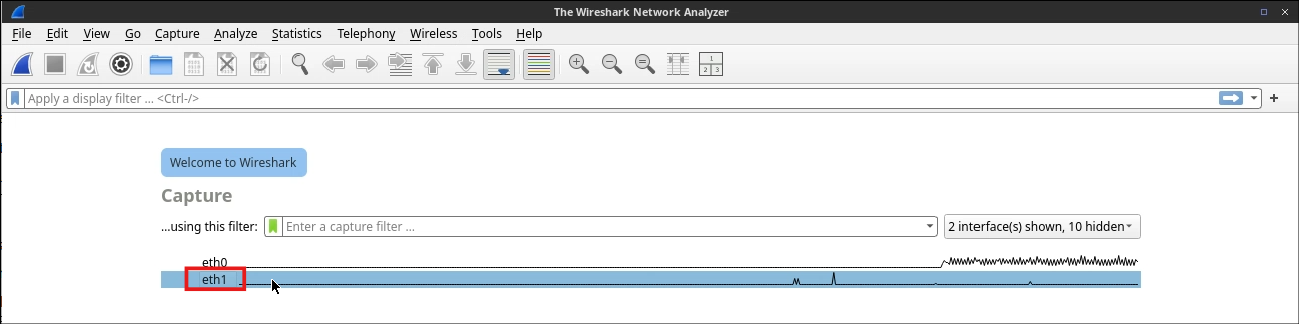
Double-click on the eth1 interface to start capturing traffic.
Attention
Do NOT select the eth0 interface because that is used for remote access to the web interface.
You will be prompted for permission to "See text and images copied to the clipboard". Click on the Allow button to close the dialog box.
In the Wireshark filter bar, enter
tcp.port == 443 and httpso that only relevant traffic is displayed. Don't forget to press <Enter> to apply the filter.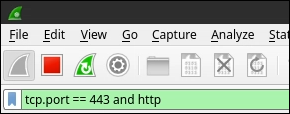
4.3.2. Display Decrypted Traffic
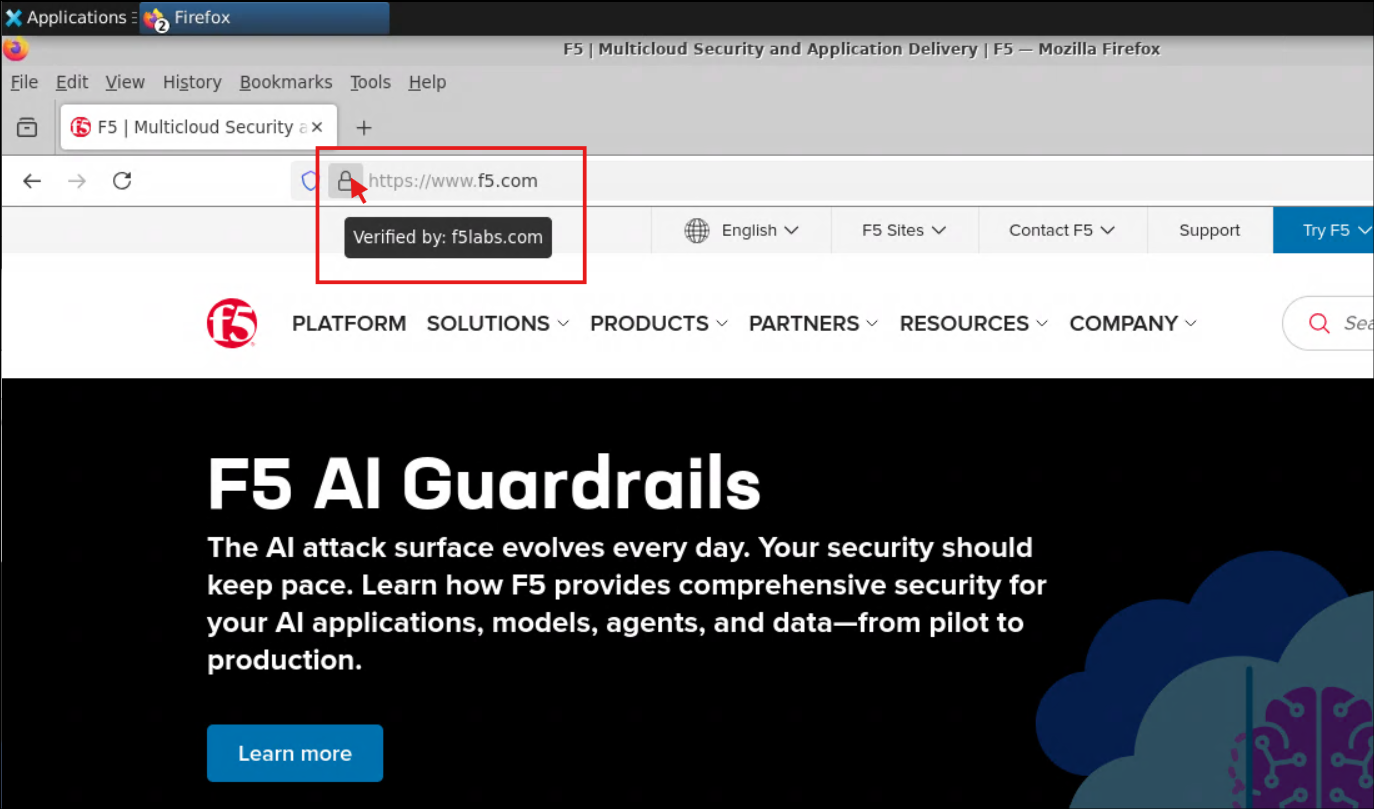
Switch to your Ubuntu-Client tab and connect to https://www.f5.com again with the Firefox browser.
Verify that the certificate was issued by the f5labs.com CA certificate.
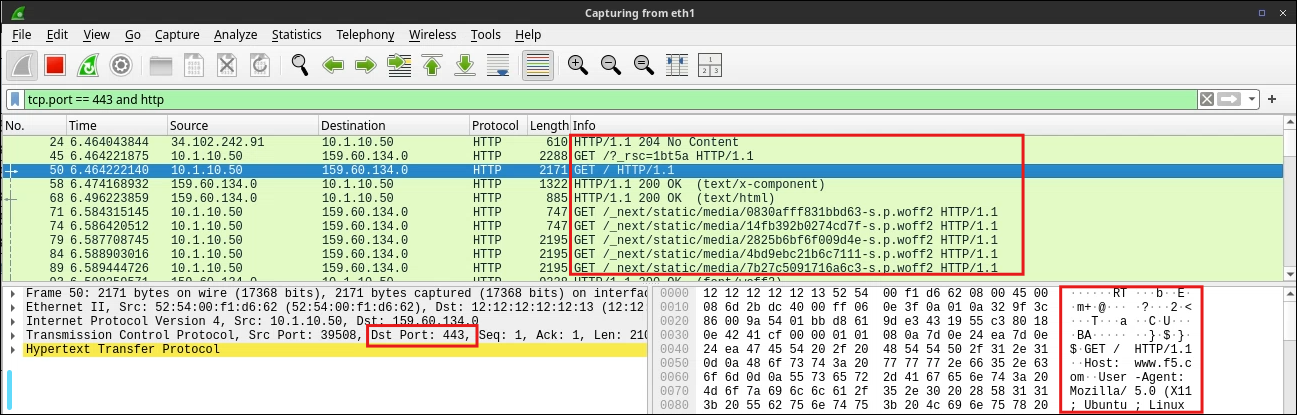
Switch to your Wireshark browser tab and review the traffic.
You should see some cleartext HTML in the packet capture (with Protocol HTTP, but Dst Port: 443). This was decrypted by SSL Orchestrator and sent to the wireshark TAP Service for inspection and visualized in the Wireshark web interface.
4.3.3. Verify the Bypass Rule
Before performing your next test, change the Wireshark filter to
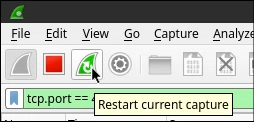
tcp.port == 443in order to see both encrypted and decrypted traffic.Click on the restart button to clear the capture log. Do not save the capture.
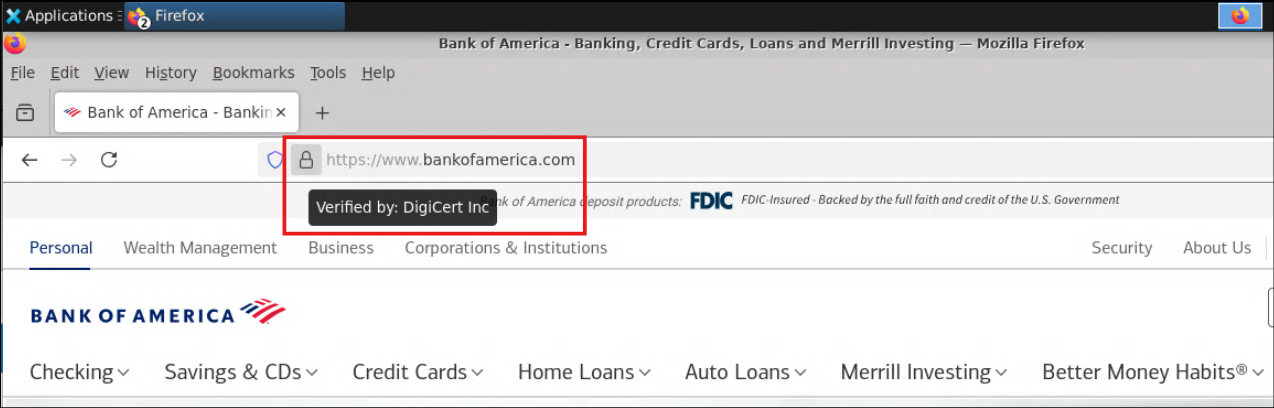
Switch to your Ubuntu-Client tab and connect to https://www.bankofamerica.com with the Firefox browser.
Verify that the certificate was issued by the Digicert using a trusted public CA certificate.
Note
SSL Orchestrator did not forge a certificate for the remote server because the web site name matched the Financial Data and Services URL category that was selected in the urlf_bypass Security Policy rule.
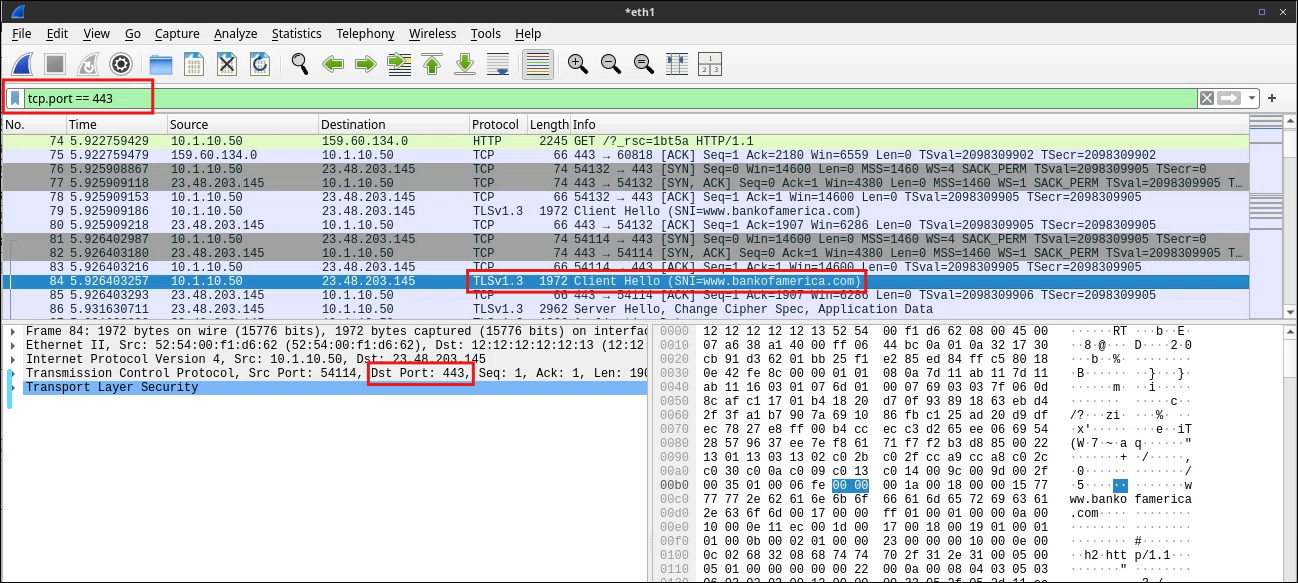
Switch to your Wireshark browser tab and click on the red square button to stop the packet capture.
Scroll up in the packet list until you find the Client Hello packet that contains and SNI value with a bankofamerica.com domain name. This is the start of the TLS Handshake. All related packets are identified as TLS (encrypted) traffic.
Note
You will still see some decrypted traffic for other URLs (3rd party domains) that do not match the urlf_bypass rule.