F5 BIG-IP SSL Orchestrator Training Lab > All SSL Orchestrator Lab Guides > SSLO 101: Introduction to SSL Visibility with SSL Orchestrator (AppWorld 2026 | 2 hours) > 4. Lab 2: Enable Selective Decryption and Inspection Source | Edit on
4.4. Review SSL Orchestrator Dashboard
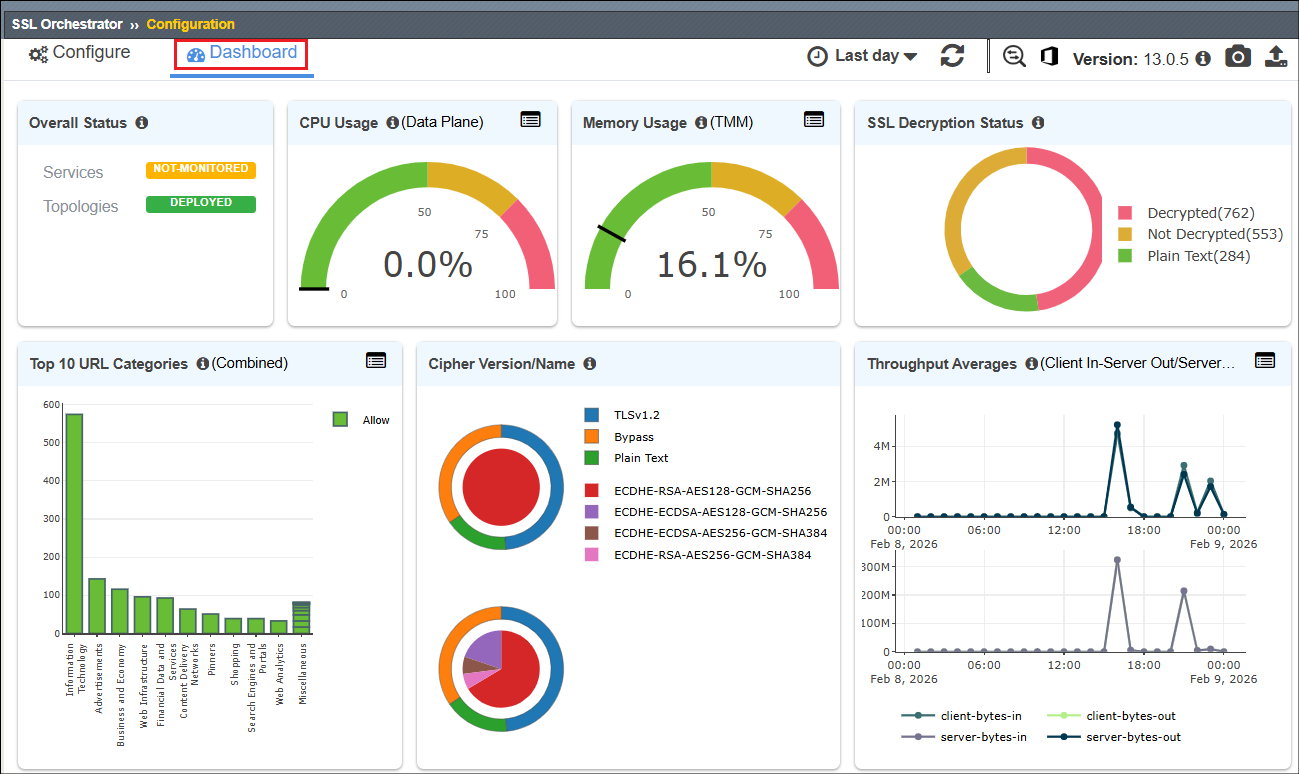
The SSL Orchestrator Dashboard provides valuable at-a-glance information regarding availability, performance, TLS details, and more.
Navigate to the SSL Orchestrator Dashboard tab and review the analytics provided.
Note
If no data is shown in the Dashboard, change the time period from Last day to Last hour.
This the end of Lab 2.
You now have a working layer 3 outbound transparent forward proxy that is able to selectively decrypt client traffic and send it to a TAP device for inspection. In the next lab module, you will continue to build on this deployment.