F5 BIG-IP SSL Orchestrator Training Lab > All SSL Orchestrator Lab Guides > SSLO 101: Introduction to SSL Visibility with SSL Orchestrator (AppWorld 2026 | 2 hours) > 5. Lab 3: Configure Additional Inspection Services Source | Edit on
5.4. Edit the Security Policy
5.4.1. Modify Default Rule
You must associate the new malware_scan Service Chain with a Security Policy rule to send traffic to the Services in the Service Chain.
Click on the Security Policies tab to view the policies list.
Click on the l3_outbound policy to edit it.

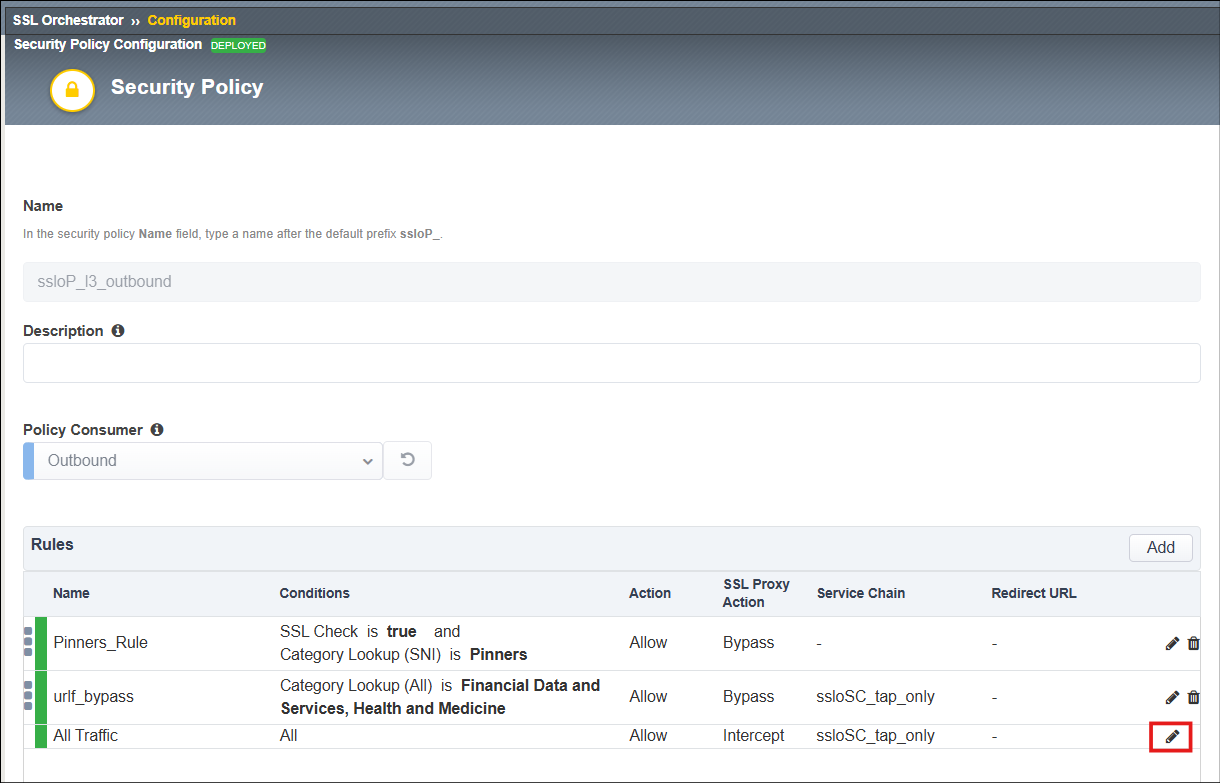
Click on the Edit (pencil) icon for the All Traffic rule.
Edit the All Traffic rule and select the malware_scan Service Chain.
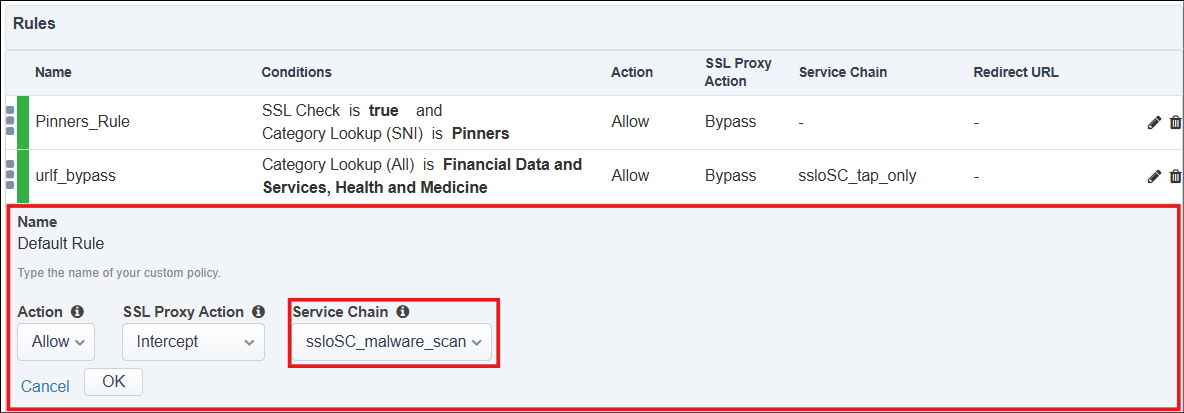
Click on the OK button to accept the changes.
Scroll down to the bottom and click on the Deploy button.
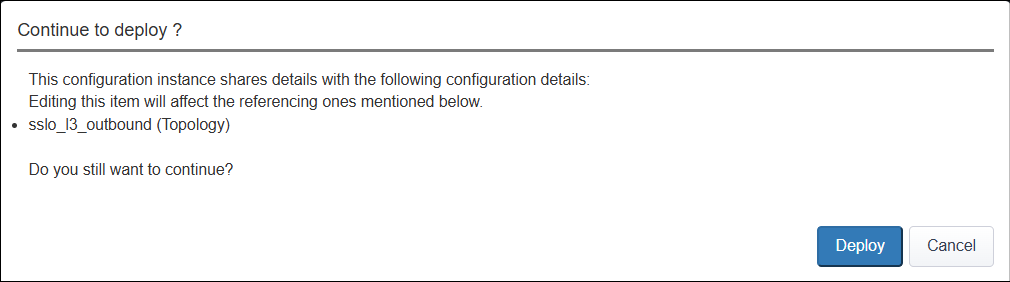
When prompted for confirmation, click on Deploy again.
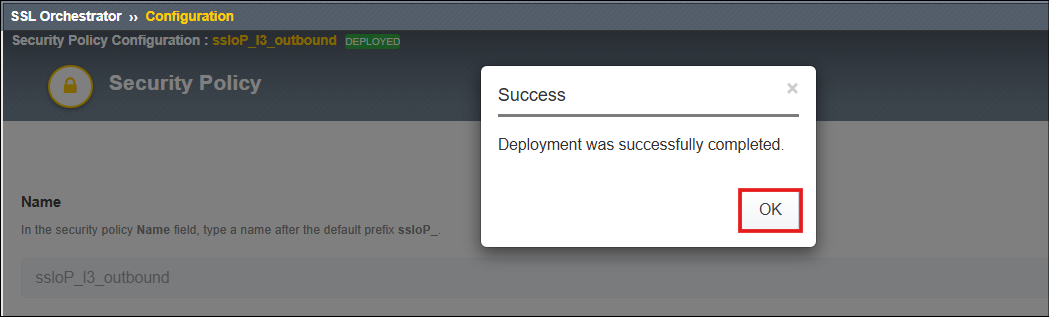
When the deployment completes, click on the OK button to return to the SSL Orchestrator > Configuration page.