F5 BIG-IP SSL Orchestrator Training Lab > All SSL Orchestrator Lab Guides > SSLO 203: F5 BIG-IP SSL Orchestrator: Plug, play, automate (AppWorld 2026 | 2 hours) > 2. Lab 1: Outbound Transparent Forward Proxy with User Coaching Source | Edit on
2.6. Implement User Coaching with JA4 Persistence Method
You will now enable and test the user coaching functionality using the JA4 persistence method. This will produce the same kind of prompt as with the Cookie persistence method, but the JA4 method will persist the user coaching acknowledgement based on the JA4 fingerprint of the client device. This means that the user coaching prompt will not be presented again for that device even across multiple browser sessions until the JA4 session expires (default 3600 seconds).
2.6.1. Modify Interception Rule
In the SSL Orchestrator UI, click on the Interception Rules tab.
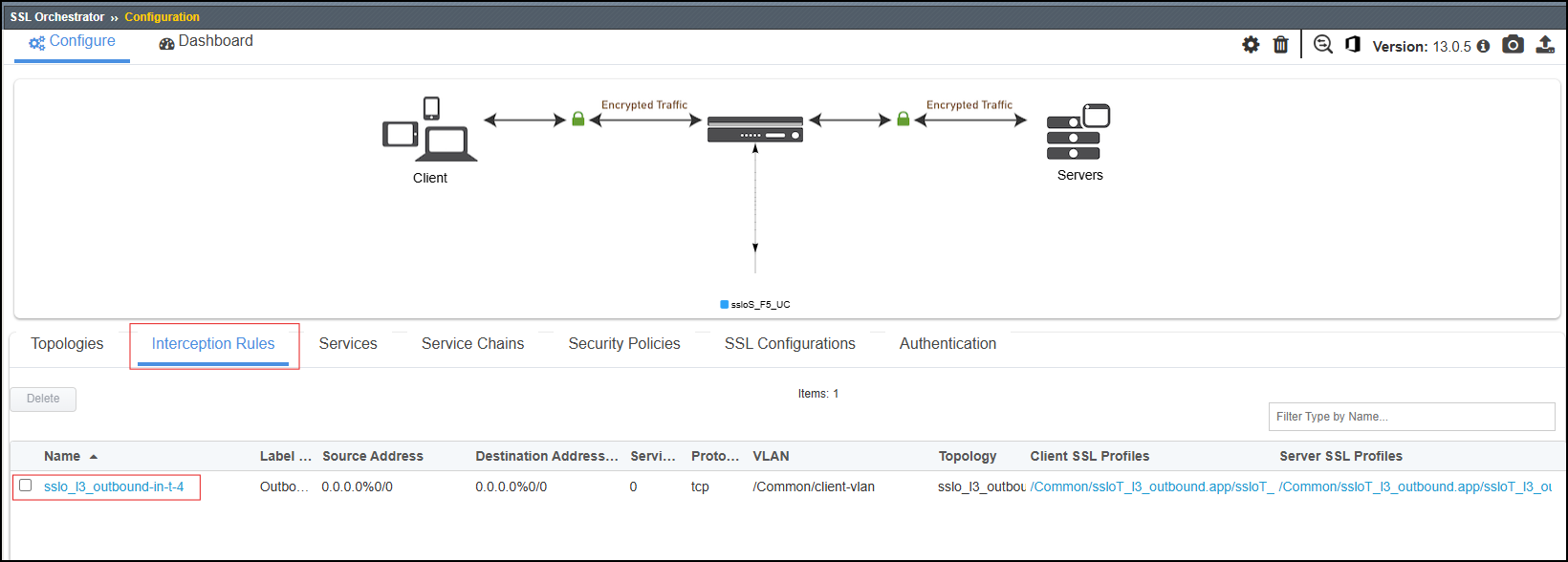
Click on the sslo_l3_outbound-in-t-4 Interception Rule to view the Summary page.
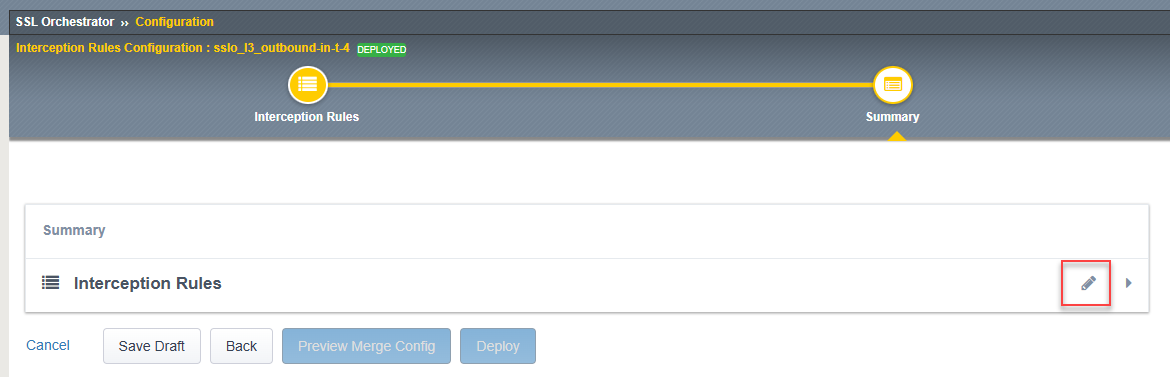
Click on the Edit (pencil) icon to view the settings.
Scroll down to the Resources > iRules section and double-click on the /Common/user-coaching-ja4t-rule iRule to add it to the Selected panel.
**Do not move the user-coaching-rule. This rule is already applied to the internal virtual server**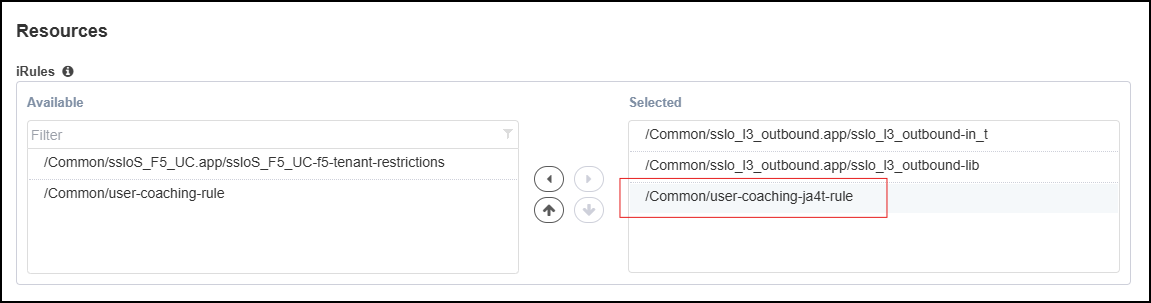
Click on the Save & Next button to return to the Summary page.
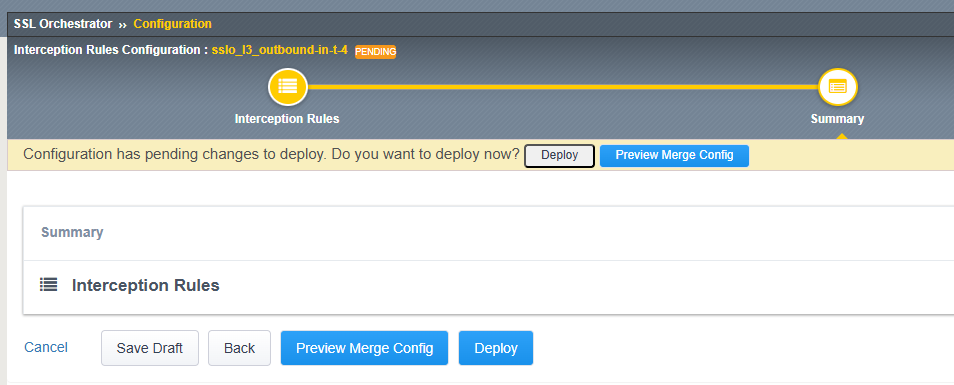
Click on the Deploy button.
When the deployment has completed, click on the OK button to close the dialog box and return to the Topologies list.
2.6.2. Trigger Conditions for User Coaching with JA4 Persistence Method
The presentation of the user coaching prompt is determined by a URL category match. The category list is defined in the user-coaching-rule iRule.
Navigate to Local Traffic > iRules and verify that the following iRules are present.
Click on the user-coaching-rule iRule to view it.
Notice that the IDENTIFIER_TYPE defines the variable for persistence. In this case,
ja4commented out and will need to be uncommented to use the JA4 persistence method.Ensure the user-coaching-rule iRule is updated to use the JA4 persistence method and looks like the following:

Commented out the default cookie persistence method and uncommented the JA4 persistence method.
Click on the Update button to save the changes.
2.6.3. Test User Coaching with JA4 Persistence Method
Return to the Ubuntu-Client WEBRDP session.
Close the Firefox browser window and restart the application.
Navigate to https://chatgpt.com/. You should receive the SSL Orchestrator user coaching prompt as follows:
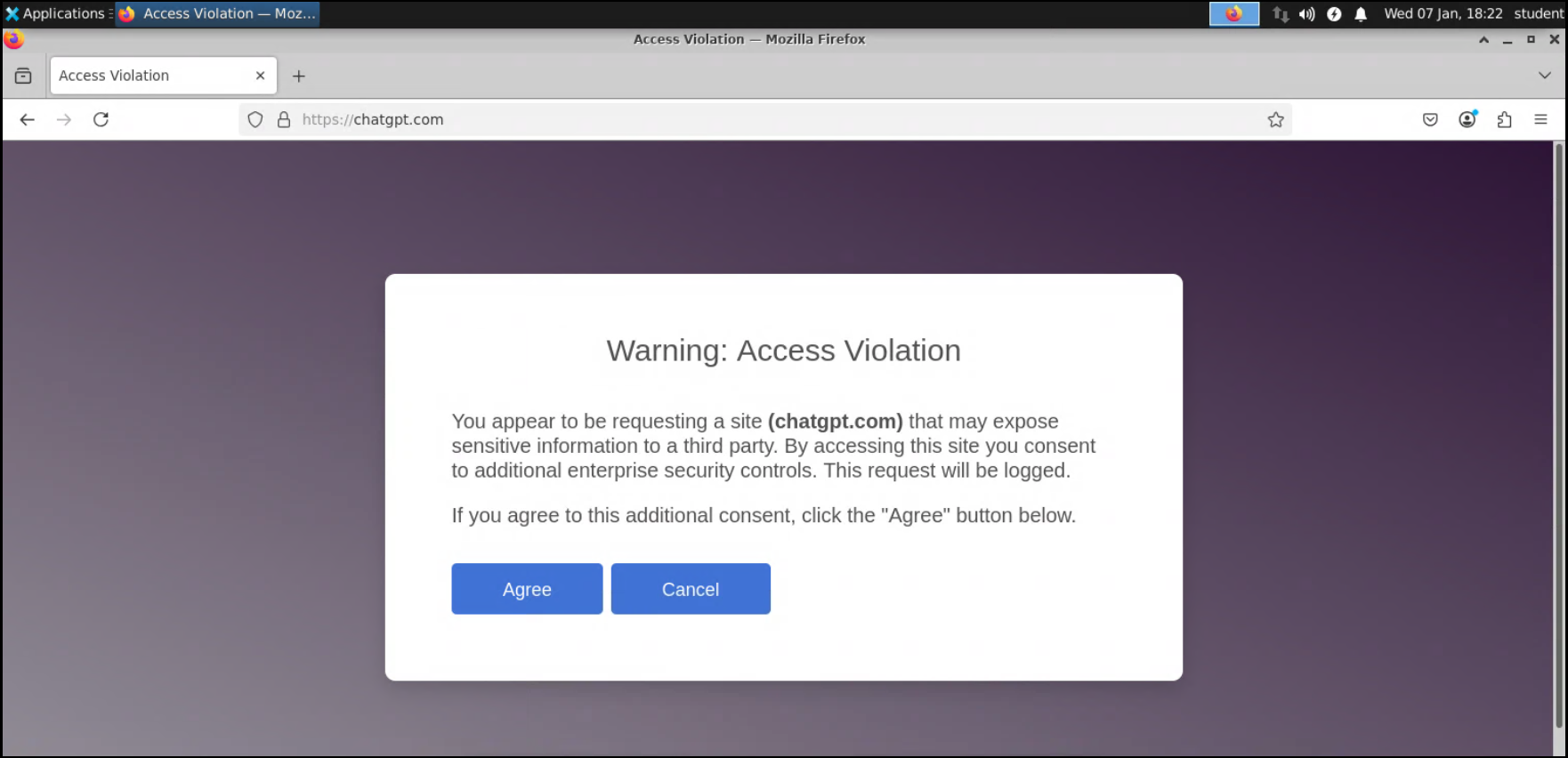
Click on the Agree button to acknowledge the warning and terms of use policy. You will then be presented with the OpenAI ChatGPT site.
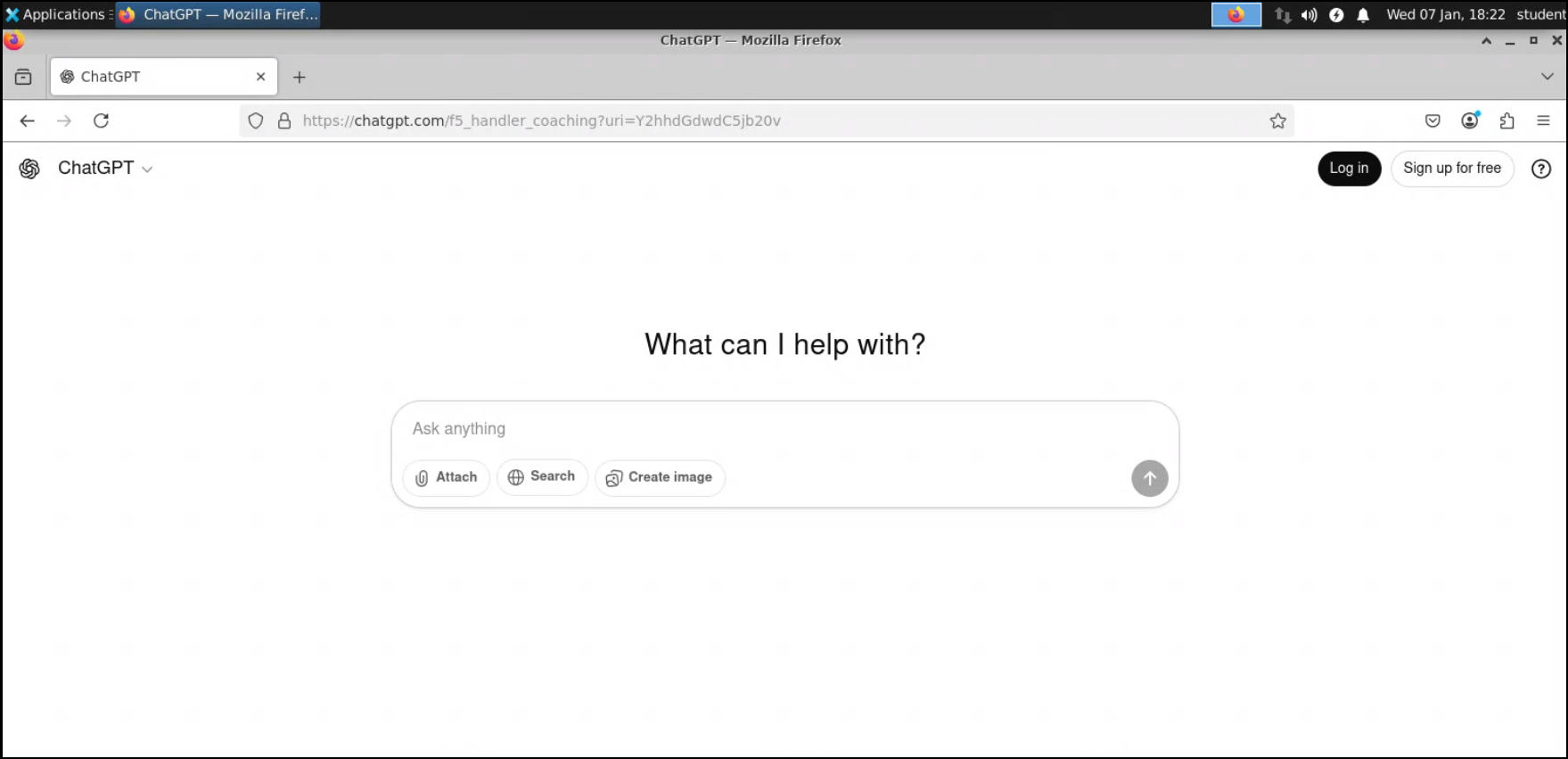
Restart Firefox and browse to ChatGPT again. You should not see the prompt reappear because the original user coaching acknowledgement has not expired yet.
Note
The default user coaching session timeout setting is 3600 seconds. This value is configurable in the user-coaching-rule iRule under the
SESSION_TIMERsection.set static::JA4_SESSION_TIMER 3600