F5 BIG-IP SSL Orchestrator Training Lab > All SSL Orchestrator Lab Guides > SSLO 101: Introduction to SSL Visibility with SSL Orchestrator (AppWorld 2026 | 2 hours) > 3. Lab 1: Deploy an Outbound Transparent Forward Proxy Source | Edit on
3.11. Create Egress Settings

The Egress settings define outbound routes and provide the option to source-NAT outbound traffic.
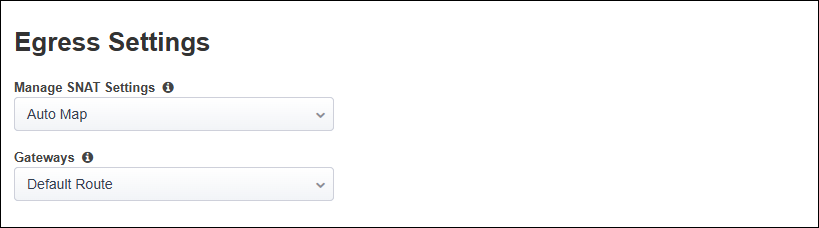
You will enable SNAT Auto Map for all egress traffic and use the system default route to reach the Internet.
In the Manage SNAT Settings drop-down list, select Auto Map.
Ensure that Default Route is selected in the Gateways list.
Click on the Save & Next button to continue.