F5 BIG-IP SSL Orchestrator Training Lab > All SSL Orchestrator Lab Guides > SSLO 101: Introduction to SSL Visibility with SSL Orchestrator (AppWorld 2026 | 2 hours) > 3. Lab 1: Deploy an Outbound Transparent Forward Proxy Source | Edit on
3.13. Deploy Topology

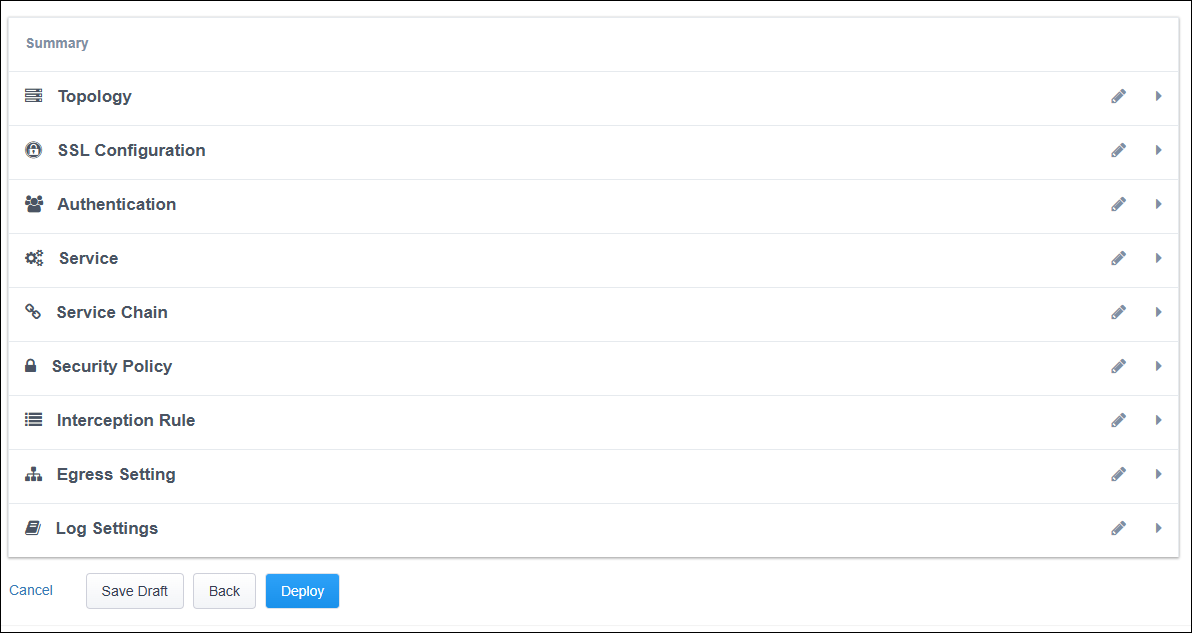
The Summary step shows all configuration options and offers an opportunity to revised any of the settings before deploying.
Click on the Deploy button to create the new topology configuration.
You will see a message below the Guided Configuration workflow path. Wait for the configuration to be deployed.

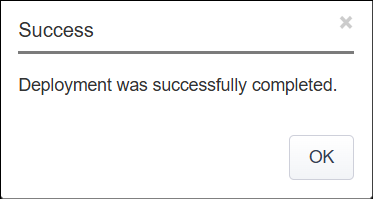
A status message will appear when the deployment completes. Click on the OK button to close the dialog box.
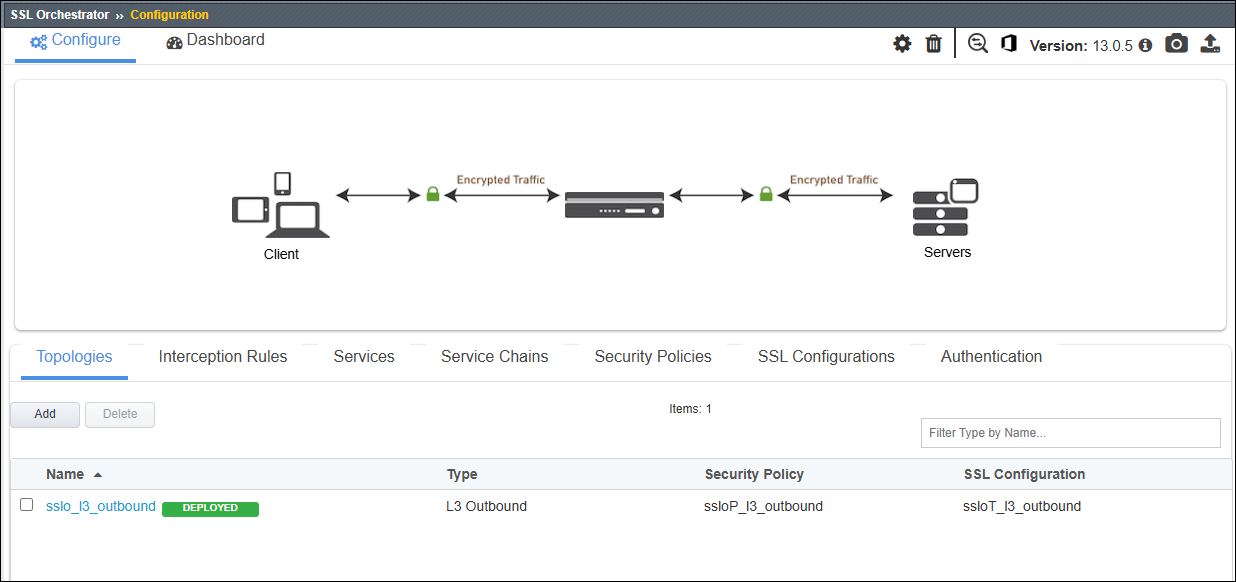
You will return to the Topologies page, showing the new L3 Outbound topology in the list.